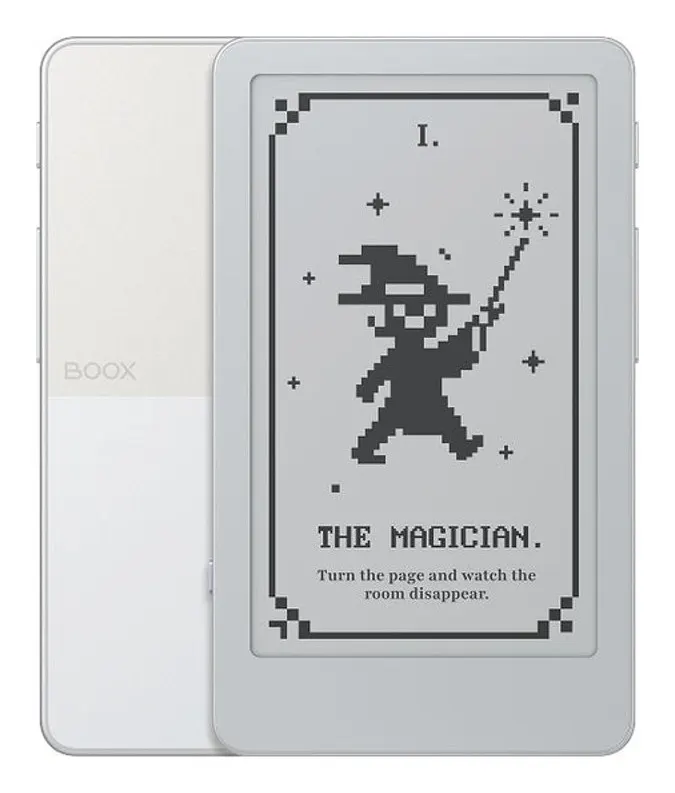

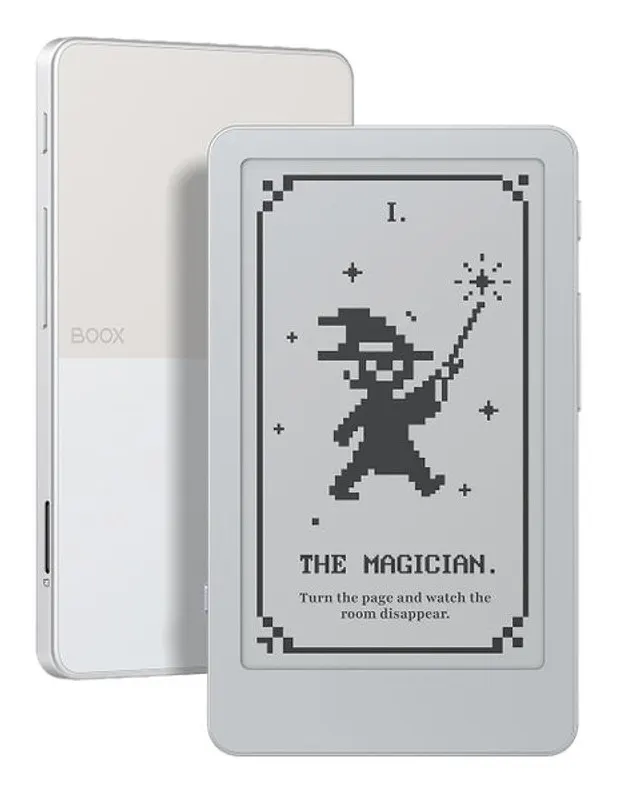
BOOX Picco review
A 58 g, card-size e-paper reader with warm light, page buttons and a USB-C port.
Research-based review · not hands-on testedRetailer links may earn us a commission at no cost to you (disclosure). The retailer’s live price may differ. Sold out at the BOOX US store when checked; Amazon stock not confirmed.
- 58 g105.5 × 62 mm body
- USB-CPlus microSD
- Warm lightTouch and page buttons
Our verdict
- Readers who want the smallest, lightest reader for DRM-free EPUBs
- People who want a pocket reader with an ordinary USB-C port
- Existing BOOX owners who want a tiny second device
- Anyone expecting a BOOX with Android: the Picco runs no apps
- Kindle, Kobo and library readers: DRM-protected books will not open
- PDF readers: PDF is not a supported format
No star rating. We publish ratings only when they are backed by our own documented testing. This review is built from manufacturer specifications and the independent reviews listed under Sources and method.
Strengths and limitations
Strengths
- Lightest device in our catalog at 58 g
- Warm and cold front light, touchscreen and page-turn buttons
- USB-C charging and a microSD slot
- 9to5Google found it simple, quick to load and good for about a week of reading
Limitations
- Not Android: no Kindle, Kobo, Libby or other apps
- No DRM support and no PDF
- Books go through the BOOX Tiles app; early units did not accept plain drag-and-drop
- Early hands-on reports found no dictionary or highlighting, and some lag
- Sold out at BOOX's US store when we checked
Display
BOOX describes the screen as a 3.97-inch monochrome e-paper display at 480 × 800, or 235 ppi, and does not name the panel generation. The front light has warm and cold LEDs. eWritable, using an engineering sample, found text pleasant to read but slightly grainy. eReadersForum rated the front light the best in the mini-reader class.
Reading experience
The Picco measures 105.5 × 62 × 5.5 mm and weighs 58 g, lighter than most phones by a wide margin. It has page-turn buttons as well as a touchscreen, and eWritable found it comfortable in one hand with adjustable font size, weight and line height.
9to5Google found it awkward when snapped to the back of a phone, particularly on foldables. BOOX's own footnote says the case's magnetic ring may repel magnetic stands or mounts. Whether a magnetic case comes in the box is unclear: BOOX's contents list omits it, while 9to5Google says the Picco comes with one.
Software and ecosystem
This is the part that surprises people. The Picco is not an Android device and has no app store. BOOX calls its software a minimalist operating system; outlets disagree on what it is built on. It ships with a reader and three small tools: Pomodoro, to-do and countdown, which 9to5Google notes depend on the companion app.
Early impressions describe software still in progress. eWritable's sample had no dictionary and no highlighting, and How-To Geek called navigation simple, if slow. Those reports are from pre-release units and may not reflect current firmware. BOOX warns that flashing third-party firmware may damage the device.
Battery and charging
BOOX publishes no battery-life figure for the 920 mAh Picco. 9to5Google's reviewer got roughly a week at one to two hours of reading a day. It charges over a standard USB-C port, which is its clearest practical advantage over the Xteink X4 Pro's magnetic adapter.
Build quality and ergonomics
BOOX states no water protection. The standard bundle lists the Picco, a pre-installed 16 GB microSD card, three screen protectors and a quick-start guide. How-To Geek found the build more polished than Xteink's devices. Some pre-order buyers reported shipping delays, and BOOX's US store showed it sold out when we checked.
Library and file compatibility
There is no route for library or store books. The Picco has no DRM support, so Kindle purchases, Kobo Store books and Libby loans will not open. BOOX lists EPUB, MOBI, AZW3, FB2, TXT and other formats, with the caveat that they must be transferred through the BOOX Tiles app or website; eWritable found that copying an EPUB over USB did not add it to the library on its sample. PDF is not supported.
BOOX Picco specifications
Screen
| Screen size | 3.97 inches |
|---|---|
| Display technology | Monochrome e-paper (panel generation not stated) |
| Resolution | 480 × 800 |
| Pixel density | 235 ppi |
| Color | No (black and white) |
| Front light | Front light with warm and cold color temperature |
Body
| Dimensions | 105.5 × 62 × 5.5 mm (4.2 × 2.4 × 0.22 in) |
|---|---|
| Weight | 58 g (2.0 oz) |
| Water protection | None stated by the manufacturer |
| Page-turn buttons | Yes |
Storage, battery and connectivity
| Storage | 16 GB microSD card included; microSD up to 2 TB |
|---|---|
| Battery (manufacturer claim) | No runtime claim found (920 mAh) |
| Charging | USB-C |
| Connectivity | Wi-Fi, Bluetooth, USB-C |
| Audio | Bluetooth listed; no audio or audiobook support stated |
Software and books
| Operating system | BOOX firmware (not Android; no app store) |
|---|---|
| Supported formats | EPUB, MOBI, AZW3, FB2, TXT, RTF, HTML and image files, transferred through the BOOX Tiles app or web tool; no PDF |
| Reads EPUB files directly | Yes |
| Library borrowing | None. DRM-protected store and library books cannot be opened |
| Stylus | No |
How the BOOX Picco compares
| Product | Price | Brand | Screen | Display technology | Sharpness | Color | Storage | Weight | Waterproof | Stylus | Library books | Battery (maker’s claim) | Buy | |
|---|---|---|---|---|---|---|---|---|---|---|---|---|---|---|
| BOOX Picco | $109.99 | Onyx BOOX | 3.97″ | Monochrome e-paper (panel generation not stated) | 235 ppi | No | 16 GB microSD card included | 58 g | No | No | No library integration | No runtime claim found | Amazon: BOOX Picco (opens in a new tab) | |
| Xteink X4 Pro | $99.00 | Xteink | 4.3″ | E Ink, black and white (panel generation not stated) | 219 ppi | No | 16 GB microSD card included | 72 g | No | No | No library integration | No runtime claim found | Amazon: Xteink X4 Pro (opens in a new tab) | |
| BOOX Go 6 | $199.99 | Onyx BOOX | 6″ | E Ink Carta, black and white (generation not stated) | 300 ppi | No | 32 GB + microSD | 160 g | No | Optional | Libby Android app | “Days of use on a single charge” (BOOX; no hours or conditions given) | Amazon: BOOX Go 6 (Gen II) (opens in a new tab) | |
| Kindle | $149.99 | Amazon | 6″ | E Ink, black and white (panel generation not confirmed) | 300 ppi | No | 16 GB (32 GB in the aluminum model) | 140 g | No | No | Libby → Kindle (US only) | Up to 6 weeks (Amazon; test conditions not confirmed) | Amazon: Amazon Kindle (2026) (opens in a new tab) | |
| No models match these filters. | ||||||||||||||
BOOX Picco and its closest alternatives. Specifications from manufacturer documentation, checked November 21, 2026. Prices are list prices seen on the maker’s or retailer’s page. Battery figures are manufacturer claims, not our measurements.
Alternatives to the BOOX Picco
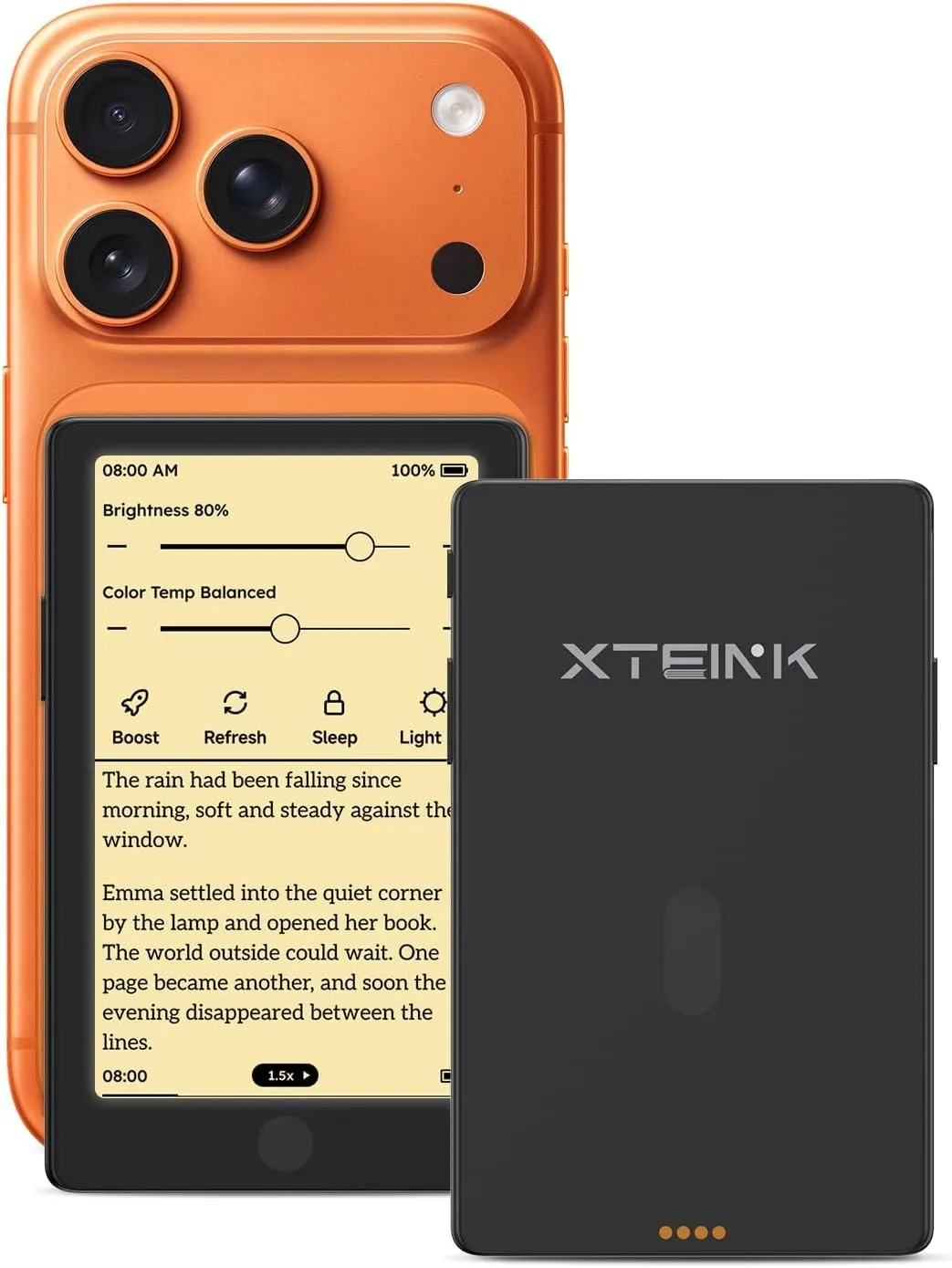
Xteink X4 Pro
A phone-size E Ink reader with a touchscreen and warm light.
- 4.3″
- Black & white
- Page buttons
$99.00Xteink list price · checked November 2026
Check price on Amazon: Xteink X4 Pro (opens in a new tab) Read our review of the Xteink X4 Pro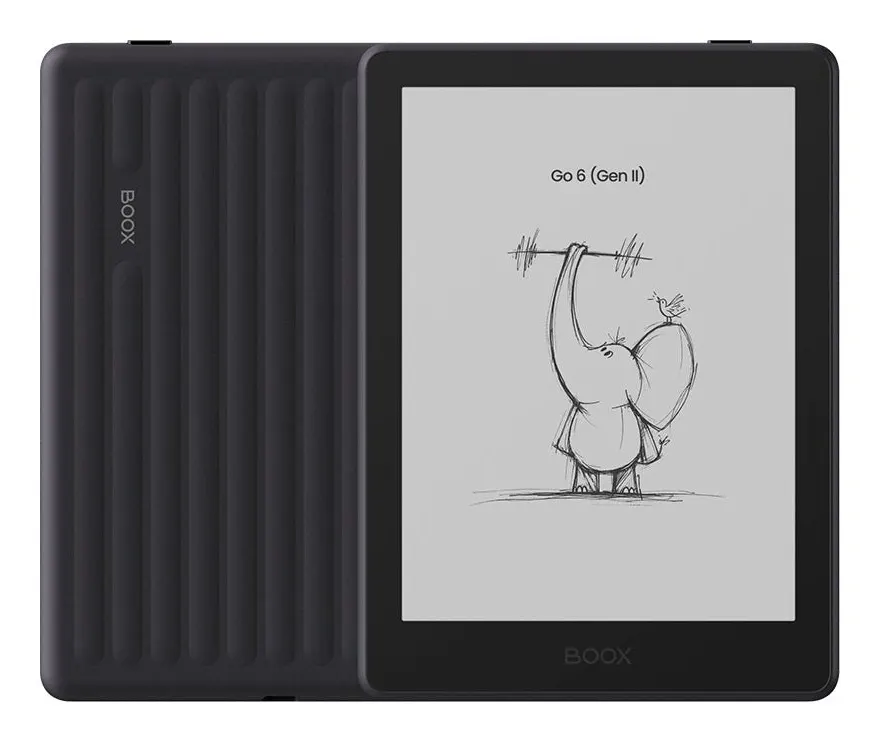
BOOX Go 6 (Gen II)
A pocket Android reader that opens 26 file formats.
- 6″
- Black & white
- Stylus ready
- Android apps
$199.99BOOX Shop list price · checked November 2026
Check price on Amazon: BOOX Go 6 (Gen II) (opens in a new tab) Read our review of the BOOX Go 6 (Gen II)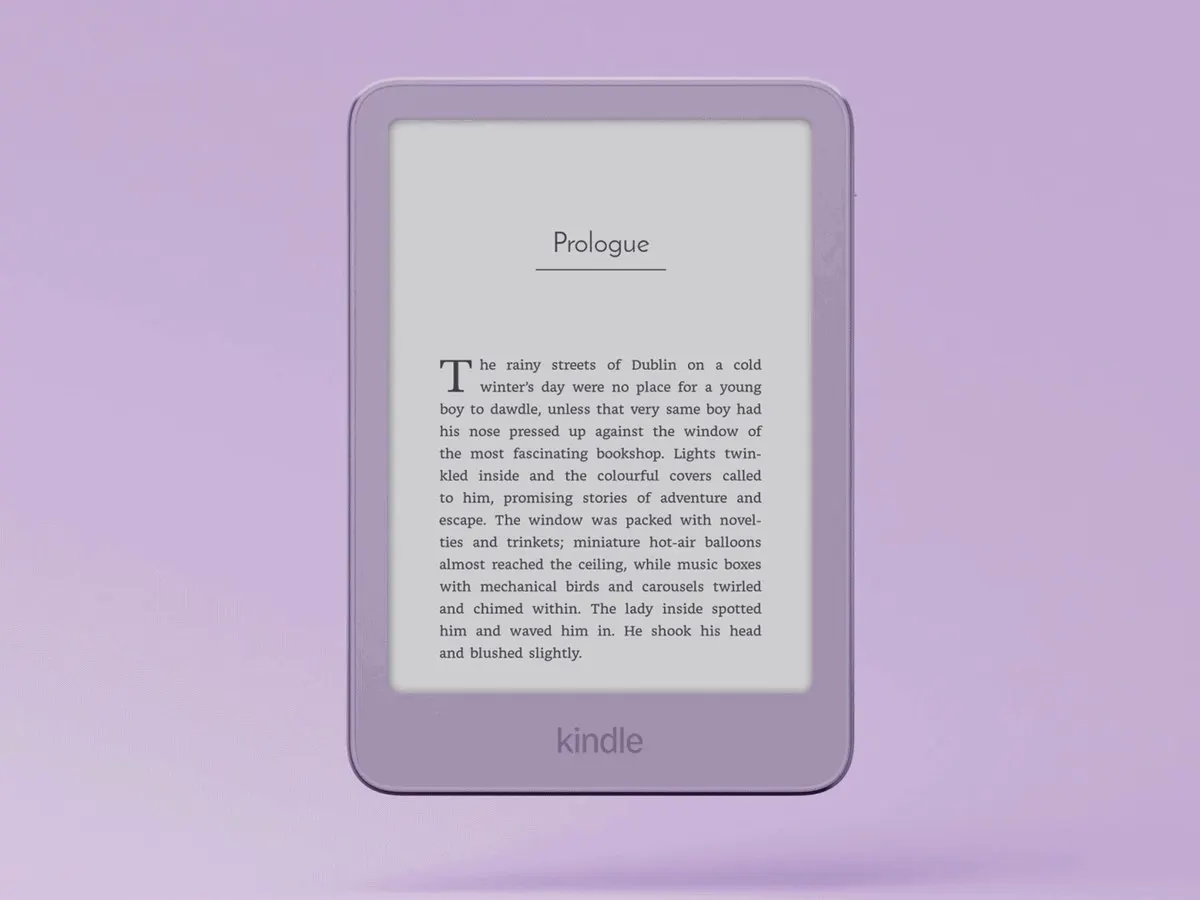
Amazon Kindle (2026)
The lightest, cheapest Kindle, with the same sharp screen.
- 6″
- Black & white
$149.99launch list price · checked November 2026
Check price on Amazon: Amazon Kindle (2026) (opens in a new tab) Read our review of the Amazon Kindle (2026)BOOX Picco questions
Does the BOOX Picco run Android apps?
No. Unlike other BOOX readers, the Picco is not an Android device and has no app store, so the Kindle, Kobo and Libby apps cannot be installed.
Can the BOOX Picco read PDFs?
No. PDF is not in BOOX's supported-format list for the Picco, and early hands-on reports confirm it.
How much does the BOOX Picco cost?
BOOX's US store lists it at $109.99. It was sold out there when we checked in November 2026.
BOOX Picco or Xteink X4 Pro?
The Picco is lighter at 58 g and charges over USB-C. The Xteink X4 Pro has a slightly larger 4.3-inch screen, costs $99, is open to community firmware and has more independent reviews. Neither opens Kindle, Kobo or library books.
Related guides and lists
Sources and method
We have not tested the BOOX Picco hands-on. Specifications were checked on November 21, 2026; experience-based statements are attributed to the reviews listed below, where any exist. See how we evaluate e-readers and editorial policy.
Specification sources
- BOOX Picco product page and specifications
- BOOX: introducing the Picco
- The eBook Reader: BOOX Picco revealed
- Notebookcheck: BOOX Picco launch coverage
Independent hands-on reviews we relied on
- 9to5Google: BOOX Picco review. Extremely pocketable with a simple interface and about a week of battery; no Android apps, and awkward on the back of a phone.
- eWritable: BOOX Picco: a first look. Comfortable and pleasant to read on; engineering sample had convoluted file transfer, no dictionary and no PDF.
- How-To Geek: BOOX Picco hands-on preview. More polished build than Xteink devices with USB-C; navigation simple, if slow, on a prototype.
- eReadersForum: BOOX Picco first look. Best build and front light in the mini-reader class; unfinished software and thin library tools.
What we could not verify
- That the Amazon listing is this exact product and bundle, and its Amazon price and stock: Amazon could not be loaded.
- Only one review we found used a retail unit; the others used pre-production samples, so software criticisms may be out of date.
- What the operating system is built on; outlets disagree and BOOX does not say.
- Whether a magnetic case is included in the box, and the color options.
- Any battery-life claim from BOOX, the panel generation, and any water protection (none stated).